
Which payment channel suits the task?
| Task | Consider | Confirm before paying |
|---|---|---|
| Merchant QR | Wallet or supported bank app | QR network and receiver name |
| Bank-to-bank transfer | Bank app or connectIPS | Limits, fees and account verified |
| Utility bill | Official biller payment methods | Correct customer ID and bill amount |
| Refund or dispute | Original payment service | Transaction ID and status |
Provider charges and acceptance are not fixed across all banks or merchants.
Step-by-step instructions
Choose the task before the app
Paying an NEA bill, sending money to a bank, paying at a QR shop and loading a wallet are different flows. Confirm which payment providers the actual government portal, college or merchant supports.
Distinguish wallet balance from bank transfer
Wallet payments typically use a stored wallet balance or linked funding channel. connectIPS is a bank-linked service operated by NCHL. A bank debit may leave no intermediate wallet balance, but bank-account activation is required.
Check fee and limit at the last confirmation screen
Transaction fees and daily or per-transaction limits may differ by amount, account verification, bank and service. Provider pages may change. The amount shown before the final authentication is more relevant than a stale comparison table.
Confirm bank and wallet account verification
Use the provider’s official registration process and the name/number on your bank account. NCHL describes self-verification for participating banks and branch verification where necessary. Never let another person receive your OTP to complete activation.
Test the QR scheme and payee name
Nepal has multiple QR acceptance networks. connectIPS documentation describes its QR support; not every displayed QR is interchangeable with every app. At a shop, confirm the payee name and amount after scanning, not just the merchant poster.
Understand failed versus successful payments
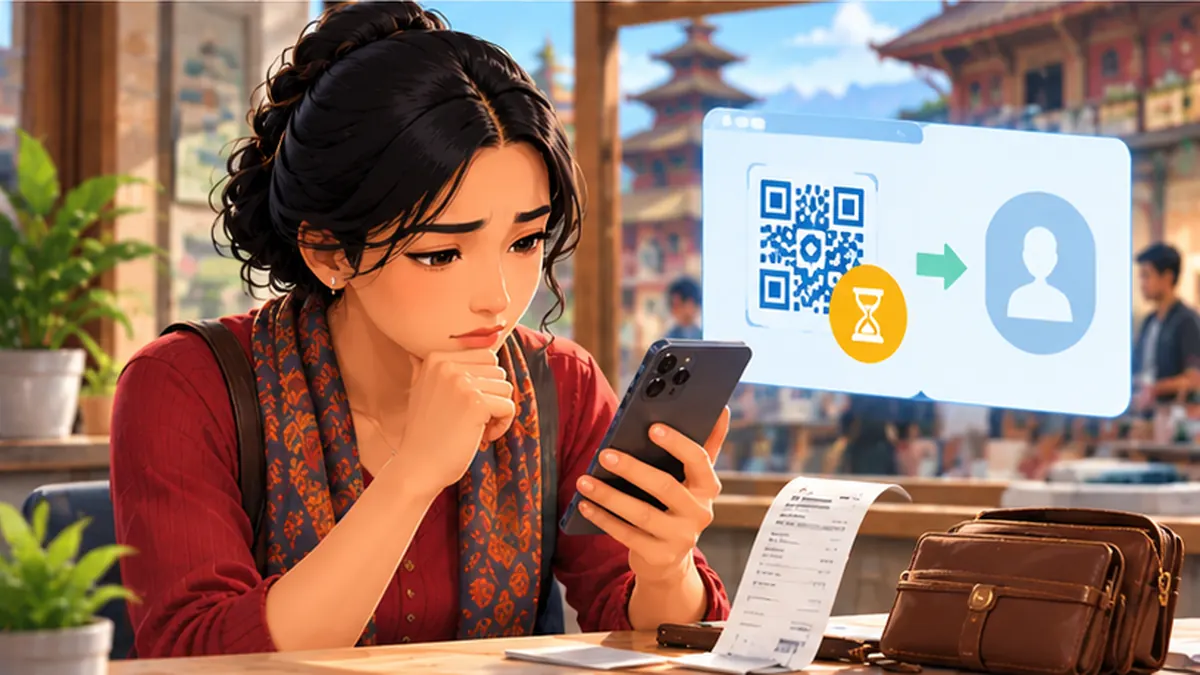
If your money is debited and the merchant sees no credit, first check transaction history/status and obtain the reference number. Do not immediately pay twice. Contact the wallet/bank provider using official support; the merchant should also check its settlement records.
Protect passwords and one-time codes
Turn on available device lock and account protection. Provider staff should not ask for your transaction password, OTP, PIN or recovery codes by phone or chat. Use the official app or typed domain rather than links in messages.
Record proof without leaking secrets
Keep amount, date/time, transaction reference, merchant name and masked account evidence for a dispute. Do not publish full account numbers, OTPs or ID documents in public social-media complaints.
Escalate complaints in the right order
First contact the bank or service provider with the transaction reference. Nepal Rastra Bank advises using its grievance portal if the complaint is unresolved through the institution. Actual timelines and refunds depend on the transaction and investigation.
Mistakes to avoid
- Assuming every QR code is accepted by every wallet or bank app.
- Assuming a completed bank transfer can be cancelled on demand.
- Sharing an OTP with someone posing as wallet support.
- Paying twice before confirming the first transaction’s final status.
Frequently asked questions
Is connectIPS an e-wallet?
No. NCHL describes it as a payment service linking bank accounts, unlike a separate loaded wallet balance.
Does connectIPS charge no fees for every transaction?
No. Some biller payments may be free while fund-transfer charges depend on the amount and current provider policy.
Can I reverse money sent to the wrong person?
Do not rely on reversal. NCHL explains that completed connectIPS transfers cannot simply be stopped or reversed through the platform. Contact your bank/provider promptly.
How should I report suspected payment fraud?
Notify the provider immediately, request appropriate account controls and preserve evidence. NRB provides a grievance route for unresolved financial-service complaints.
Evidence and further reading
Retail offers, operator terms, device models and application steps can change. Check original sources for updates. NepalAnswers does not certify a seller, warranty, financial service or network quality through these guides.
Retail prices, package terms and service availability can change; this page does not claim live pricing or hands-on device testing.
 QR Payment Failed but Money Deducted in Nepal: What Now?What to do if a QR wallet or mobile-banking payment shows pending, failed or money debited in Nepal. Check before paying twice.
 connectIPS Nepal: Register, Link a Bank and Pay SafelyA Nepal-focused connectIPS guide explaining registration, bank-account verification and safe payments with the official NCHL platform.
 eSewa and Khalti Safety in Nepal: Avoid OTP and QR ScamsProtect eSewa and Khalti payments from fake support calls, OTP requests, QR-code swaps and mistaken transfers in Nepal.