
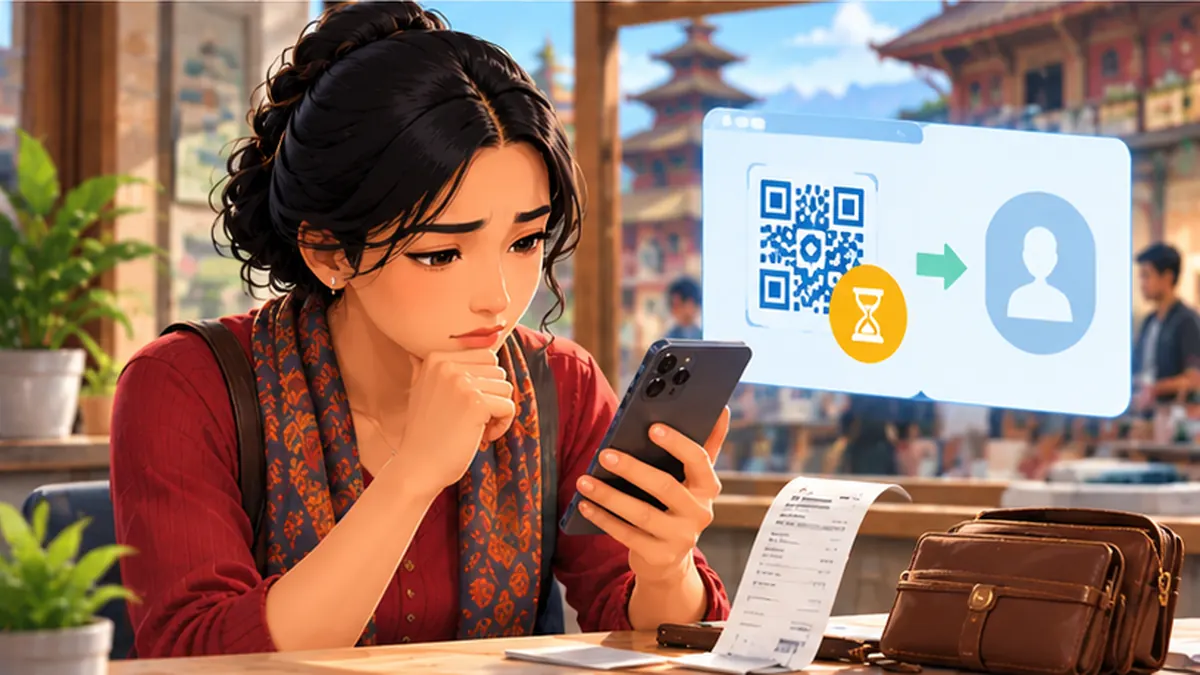
Step-by-step instructions
Stop before making a second payment
Keep the checkout screen open long enough to inspect it. Do not keep tapping Pay. Tell the merchant the payment may be processing and ask them to check their own official merchant settlement screen. A printed screenshot alone is not proof that the merchant received money.
Read the status in your own transaction history
Open the official bank or wallet application from your installed apps, not from a forwarded link. Find the transaction and distinguish Pending, Successful and Failed. Note the exact amount, time, merchant name and reference ID. Mask account numbers before taking any screenshot for support.
Check whether money actually left the account
Compare your transaction balance with the bank ledger or wallet history. Some apps show a temporary hold or a delayed status. If your bank account was charged by a linked-wallet transaction, both providers may need the same reference to trace it.
Ask the merchant to check its own statement
Do not pressure the shopkeeper to refund cash when the settlement is unconfirmed. Ask them to verify the correct merchant account and transaction date. If they received the payment, request a receipt; if not, record that the recipient did not confirm receipt.
Wait only within the provider’s stated processing window
Check the app’s own help or transaction-status explanation. If the status stays unresolved beyond the window given by that provider, raise a complaint. Avoid websites that claim all Nepali QR reversals happen in the same number of hours; systems and cut-off rules differ.
Contact the provider from its official support menu
Use in-app support or the genuine website of the bank or wallet used to initiate payment. Share the transaction ID, amount, merchant and time only through the secured support channel. Ask whether the transaction is settled, pending reversal or requires a dispute request.
Keep records until the issue is resolved
Save the complaint or ticket number and a copy of the final provider decision. Recheck the transaction history before accepting a replacement payment request from a stranger. Never give an OTP, PIN, screen-sharing access or app password to someone promising a “fast refund”.
Escalate the complaint through the service provider
If support cannot resolve the matter, request its written escalation or grievance route. A bank-initiated payment should begin with the bank; a wallet-initiated payment should begin with the wallet. Do not publish another customer’s QR, phone number or financial details as evidence.
Mistakes to avoid
- Paying a second time before checking the first transaction.
- Sharing OTPs or remote-screen access with refund scammers.
- Confusing a payment-request screenshot with merchant settlement proof.
Frequently asked questions
Does a failed message guarantee no money was deducted?
No. Verify both your account record and the provider’s actual transaction status.
How quickly will my money come back?
It depends on the provider, rail and investigation. Use the timeframe given in the official case.
Who should I contact first?
Start with the bank or wallet app that initiated the payment, using its verified support channel.
Official sources and further reading
Operator rules, application screens and government procedures can change. Check the latest official instructions before sharing personal details or paying a fee.
 How to Secure Your Google Account in NepalA beginner-friendly Google account safety checklist: passwords, 2-step verification, device checks and recovery.
 How to Spot Fake Links, OTP Scams and Phishing MessagesSimple checks for suspicious SMS, wallet messages, job offers and fake login pages before sharing passwords or OTPs.
 Wi-Fi Connected but No Internet? Fix It on WindowsStep-by-step Windows Wi-Fi troubleshooting for home internet in Nepal, without risky settings changes.