
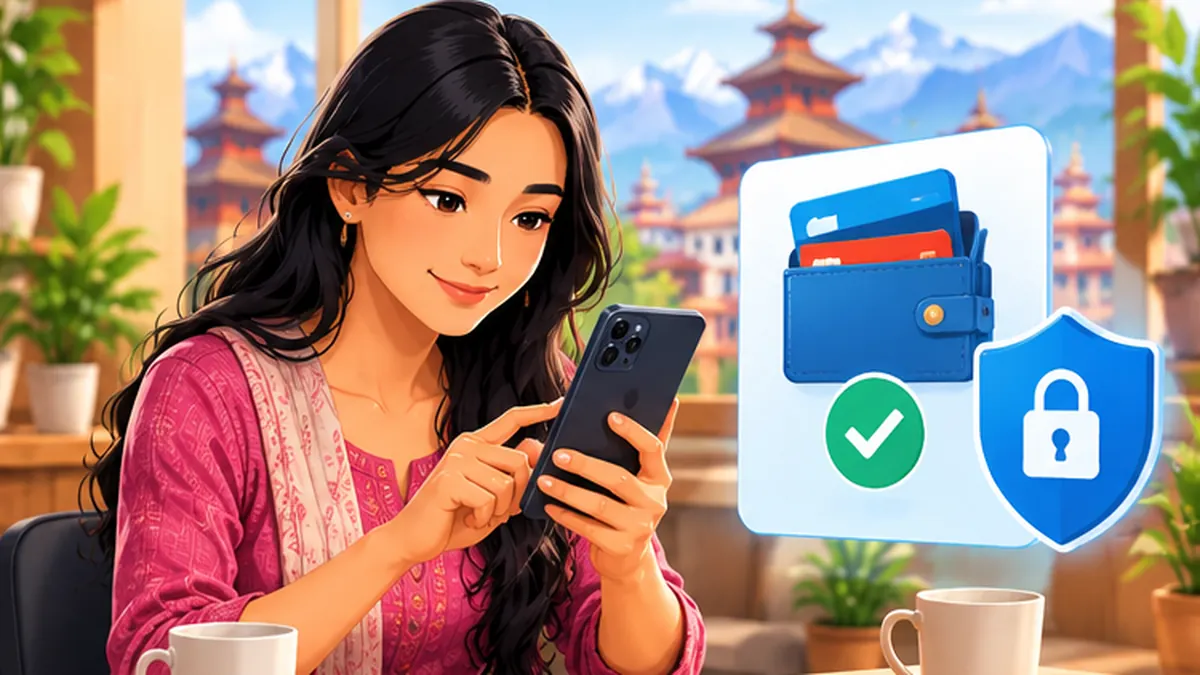
Step-by-step instructions
Install and update only official applications
Download the service from a legitimate app store using the operator’s published link. Do not install an APK sent via Messenger to claim cashback, complete a KYC update or receive a prize. App icons and names can be copied.
Keep passwords, PINs and OTPs private
Both wallet providers caution against sharing OTPs. Even a person claiming to be an employee, bank representative or government officer should not ask you to read out an authentication code. If you did not initiate the action, do not enter the code anywhere.
Verify every QR code and recipient
Before confirming, inspect the recipient details and amount shown in the wallet. In a shop, ask staff to confirm the payment account; a QR sticker can be tampered with. If the recipient details are unexpected, stop the payment.
Watch for fake refund, lottery and part-time-job offers
A scammer may say a payment must be sent first to release a prize, recover money or qualify for online work. Search for the offer on the official company site, and never follow a link from an unexpected call to “verify” a wallet.
Use device protection and transaction alerts
Enable the phone screen lock and any available app PIN or biometric option. Check alerts and transaction history regularly. Do not share screenshots that reveal wallet balances, account details or payment QR codes.
If you have paid a scammer, act immediately
Use the wallet’s official in-app help or customer-support page and give the transaction identifier, amount and time. Contact your linked bank if affected. Preserve messages, links and payment receipts in case you need to report the incident to Nepal Police Cyber Bureau.
Lock down connected accounts after a suspicious login
Change credentials directly in the app or official site, sign out of unfamiliar devices if offered, and review phone-number and email security. Never pay a stranger who claims they can recover your balance for an advance fee.
Mistakes to avoid
- Believing a familiar brand logo proves an account is genuine.
- Sharing an OTP for a claimed refund or gift.
- Confirming a QR payment before checking recipient and amount.
Frequently asked questions
Will eSewa or Khalti staff ask for my OTP?
Their published security advice tells customers not to share OTPs. If someone requests one, stop and independently contact the provider.
Can a QR code be fake?
Yes. Always check the wallet’s displayed recipient and ask the merchant to verify if a sticker looks replaced.
What should I do if I already sent money?
Contact the payment provider and your bank without delay, preserve evidence and consider a police report. Recovery is not guaranteed.
Official sources and further reading
Operator rules, application screens and government procedures can change. Check the latest official instructions before sharing personal details or paying a fee.
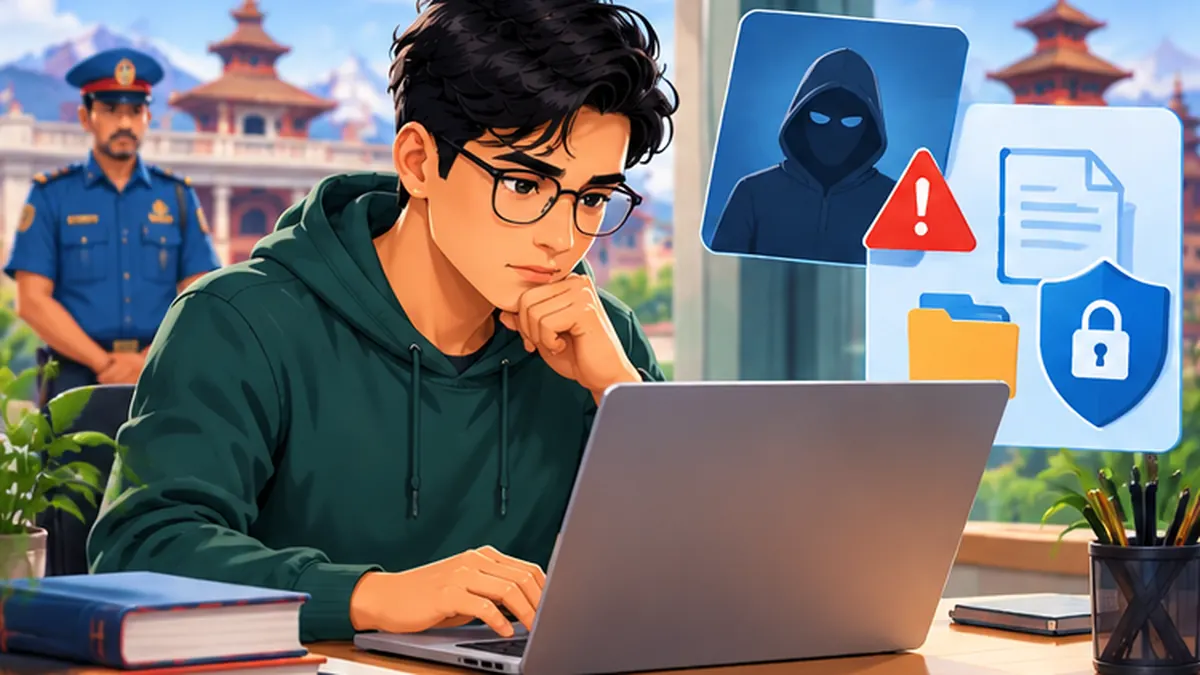 How to Report Cybercrime and Online Fraud in NepalPrepare screenshots, URLs, identification and a complaint for Nepal Police Cyber Bureau after online fraud or account abuse.
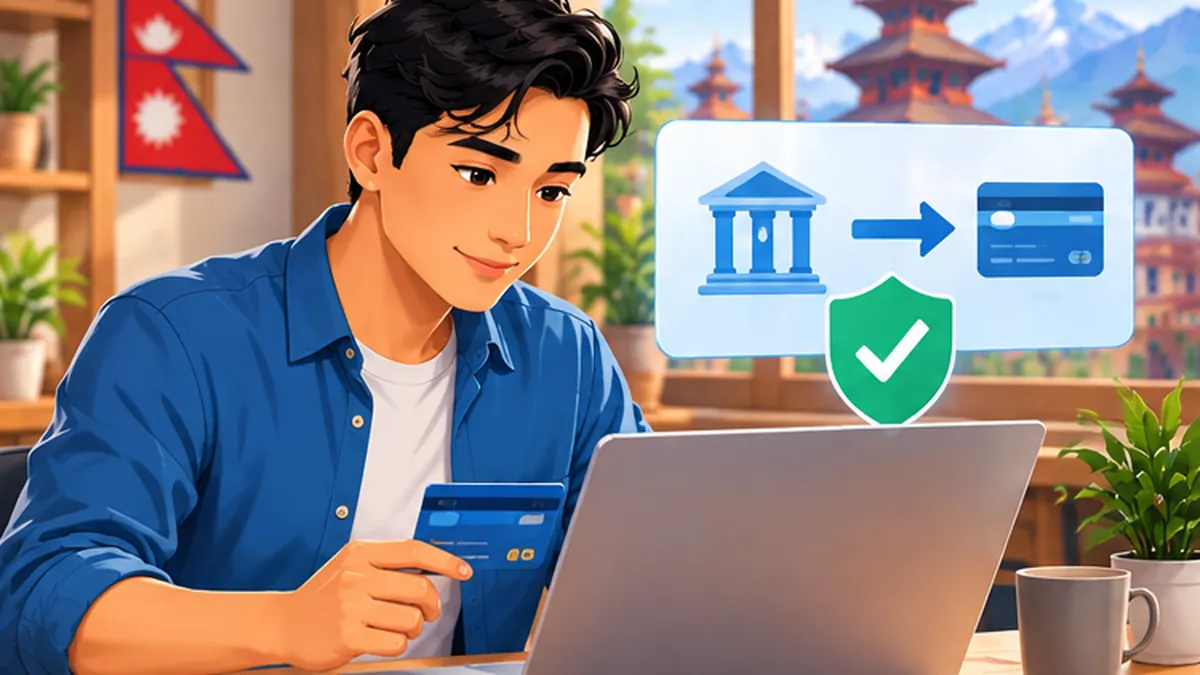 connectIPS Nepal: Register, Link a Bank and Pay SafelyA Nepal-focused connectIPS guide explaining registration, bank-account verification and safe payments with the official NCHL platform.
 How to Secure Your Google Account in NepalA beginner-friendly Google account safety checklist: passwords, 2-step verification, device checks and recovery.