
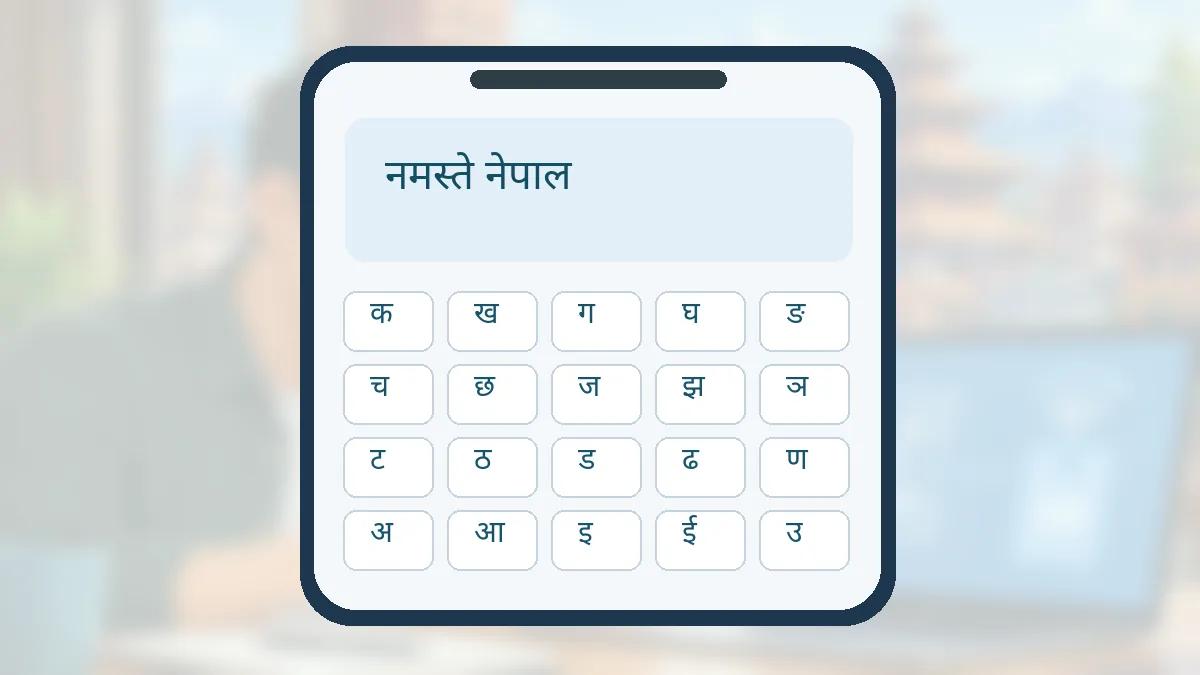
Step-by-step instructions
Check whether Gboard is already on your phone
Open a messaging or notes app and tap a text field. If the keyboard is Gboard, look for its Settings button. If it is not installed, obtain it from Google Play instead of downloading a random APK advertised as a Nepali font fixer.
Open the keyboard language settings
In Gboard, use Settings → Languages → Add keyboard. If the settings icon is hidden, check the keyboard toolbar or Android Settings → System → Keyboard; phone-makers sometimes use different menu names.
Choose Nepali and an available layout
Select नेपाली (Nepali) from the language list and review the layouts actually offered by your installed Gboard version. Some people prefer phonetic or transliteration-style entry while others want a direct character layout. The choices can vary by version.
Switch between Nepali and English while typing
Press and hold the space bar or use the language-switch key if enabled. Switching the keyboard does not change your phone’s interface language. Test a phrase such as “मेरो नाम” in a private note before using the layout for an important form.
Confirm that the text stays Unicode
Paste the Nepali phrase into another app or email draft and reopen it. Proper Unicode text is designed to remain readable across systems that support the script. For formal forms, preview any exported PDF because the receiving system might still have font or formatting limitations.
Fix missing characters or the wrong layout
Check the chosen input language, keyboard updates and whether another keyboard temporarily replaced Gboard. Do not grant a typing app unnecessary accessibility, SMS-reading or account access merely to enable one language.
Write clearer messages and forms
For applications, avoid switching between Romanised spelling and Nepali characters inside proper names unless the form asks for it. Double-check numbers and spelling before submitting; autocorrect does not verify official identity data.
Mistakes to avoid
- Installing untrusted “Nepali font” APKs that demand broad permissions.
- Assuming changing the system language is necessary to type नेपाली.
- Submitting an official form without verifying how the exported Nepali text looks.
Frequently asked questions
Can I keep the phone interface in English?
Yes. Gboard language changes do not require changing the Android system language.
Why does Nepali look different on another device?
Fonts and rendering differ, and some old systems rely on legacy encodings. Unicode usually improves portability but always preview official documents.
Is voice typing available for Nepali?
Feature availability varies by language, device and app version. Check Gboard’s currently supported voice-input features rather than assuming it works everywhere.
Official sources and further reading
Operator rules, application screens and government procedures can change. Check the latest official instructions before sharing personal details or paying a fee.
 Google Maps Offline in Nepal: Save Areas Before TravelHow to download Google Maps offline areas before travelling in Nepal, and understand offline navigation limitations.
 How to Back Up Android Photos Without Losing ThemBeginner guide to Google Photos backup: enable it, check completion, understand storage and avoid accidental deletions.
 connectIPS Nepal: Register, Link a Bank and Pay SafelyA Nepal-focused connectIPS guide explaining registration, bank-account verification and safe payments with the official NCHL platform.