
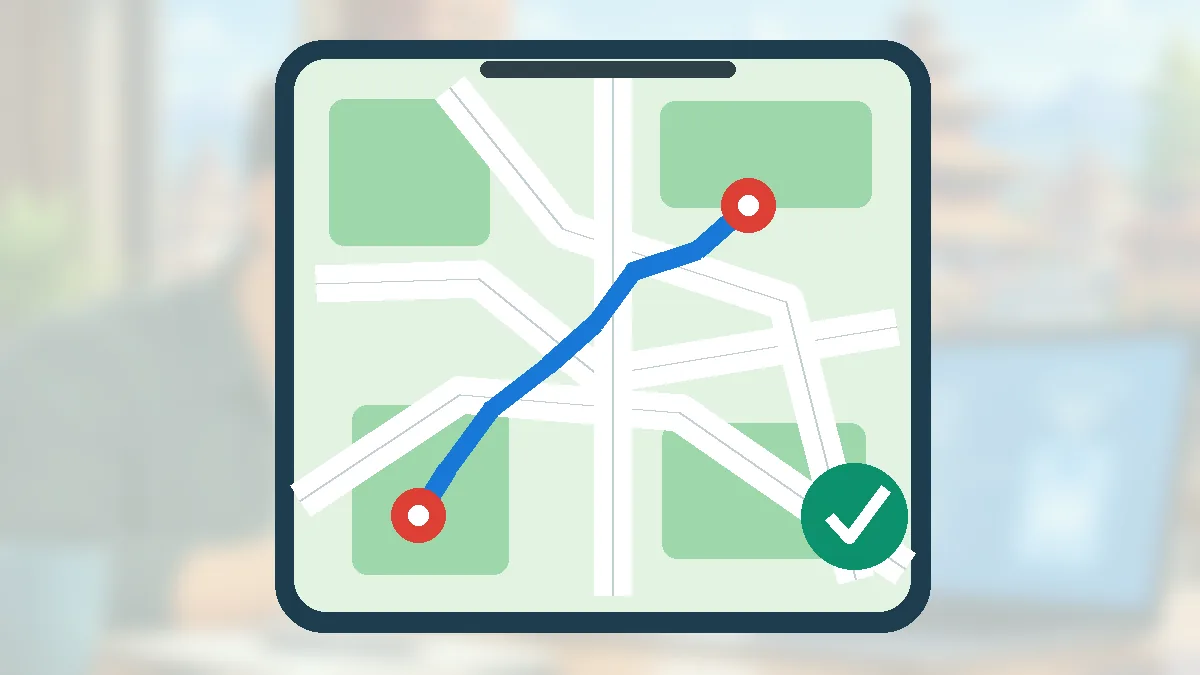
Step-by-step instructions
Install an up-to-date Maps app before leaving
Connect to stable Wi-Fi and sign in to Google Maps. Give the app location access if you want positioning, and verify that your phone has enough storage for the chosen area. Larger mountain or district areas may require more than one downloaded map.
Open the offline map section
In Google Maps on Android, tap your profile image or initial and choose Offline maps. Select your own map and adjust the rectangle over the area you expect to travel through. Availability depends on Google’s map coverage and local restrictions.
Download the selected area over Wi-Fi
Tap Download and wait until completion. Check the saved map appears in the Offline maps list instead of assuming the download succeeded because you saw a progress indicator.
Test the map before departure
Put the phone into airplane mode, then open Google Maps and check the saved area. For a driving route, ensure the relevant route fits inside the downloaded area. Offline search and route features can be narrower than what is available online.
Understand what offline routing cannot do
Google says offline driving navigation cannot show live traffic or alternative routes, and public-transport, cycling and walking directions are not available offline. Do not assume a trekking path or changing mountain road will be fully represented.
Refresh maps when Wi-Fi returns
Downloads can expire or become stale. Open the Offline maps list to update areas before a long trip. Check Google’s automatic-update settings rather than assuming an old download remains current forever.
Prepare backups for travel safety
Save important phone numbers, booking details and local emergency contacts somewhere accessible without data. Charge a power bank and ask local operators about road closures, floods or landslides. A GPS position alone cannot tell you whether a route is safe.
Mistakes to avoid
- Assuming walking, cycling or public-transport directions will work fully offline.
- Relying on an old download after roads or weather conditions change.
- Treating a map route as a guarantee of passable or safe mountain roads.
Frequently asked questions
Does Google Maps work without mobile data in Nepal?
It can display saved offline areas, and supported driving navigation may work within them. Coverage and features vary.
Can I see live traffic while offline?
No. Live traffic and alternative driving routes require connectivity.
How much storage do offline maps use?
It depends on the area and detail downloaded. Google Maps shows download/storage information; use Wi-Fi and check space beforehand.
Official sources and further reading
Operator rules, application screens and government procedures can change. Check the latest official instructions before sharing personal details or paying a fee.
 How to Type in Nepali on Android with GboardInstall and configure Nepali typing on Android using Gboard, switch keyboards and avoid unsafe font or keyboard downloads.
 How to Back Up Android Photos Without Losing ThemBeginner guide to Google Photos backup: enable it, check completion, understand storage and avoid accidental deletions.
 connectIPS Nepal: Register, Link a Bank and Pay SafelyA Nepal-focused connectIPS guide explaining registration, bank-account verification and safe payments with the official NCHL platform.