

Study workload vs configuration preference
| Workload | Suggested emphasis | Warning |
|---|---|---|
| Office, browser, online class | Keyboard, webcam, 8–16 GB RAM, SSD | Check video-call battery life |
| Coding and moderate multitasking | 16 GB RAM preferred, SSD, decent CPU | Check IDE and OS requirements |
| CAD, design and 3D | GPU/VRAM and display requirements | May not fit this budget |
| Frequent travel | Weight, screen, battery and service | Test charger and ports |
Configuration guidance only; actual Nepal prices depend on the exact laptop SKU and retailer.
Step-by-step instructions
List required applications before shopping
Ask your university or institute whether classes require particular Windows-only software, coding IDEs, CAD tools or exam browsers. Write down each published minimum and recommended requirement. Some lightweight subjects can use a lower-cost system; 3D modelling or extensive virtualisation may require more.
Choose RAM based on multitasking
If you routinely keep video meetings, PDFs, spreadsheets and a development IDE open, 16 GB is a sensible preference. If the quoted machine has 8 GB, ask whether RAM is upgradeable or soldered and what an authorised upgrade costs.
Buy enough usable SSD capacity
For documents and browser use, capacity needs are modest; for locally stored videos, virtual machines and engineering applications, storage grows quickly. Compare the installed SSD, free expansion slot and replacement options; do not confuse cloud storage advertising with internal SSD.
Understand processor labels
Look up the exact CPU model, generation and sustained performance rather than trusting terms like “Core i5” or “Ryzen 5” alone. Thin laptops can run at different power levels with the same named CPU.
Check display and keyboard in person
Try the trackpad, backlight, hinge and long-form typing. A 1080p-class display may be comfortable for reading multiple windows but brightness, colour and anti-glare quality vary. If you study during loadshedding or while travelling, also test usability on battery.
Measure travel weight and charging needs
An everyday commuter may prefer a lighter machine and durable charging cable; a desktop-replacement student may value screen size more. Check genuine charger wattage, USB-C charging support and replacement availability in Nepal.
Calculate full invoice, not just laptop sticker
Add any compulsory OS licence, RAM upgrade, compatible charger, delivery and service package. Ask for the final VAT bill and written repair/warranty terms; a cheaper offer with a dubious Windows activation is a risk.
Confirm service for your province
A service centre available only in Kathmandu may be inconvenient if you live in Pokhara, Butwal or Dharan. Ask how warranty shipping works, which faults are excluded and whether user RAM/SSD upgrades affect coverage.
Avoid unsupported model recommendations
A model can enter or leave the NPR 80,000 bracket after a price change. Compare reviewed Nepal retailer evidence using the catalogue; if a listed price has expired, request a new quotation instead of relying on old prices.
Test and record purchase details
Verify the exact serial number, processor, RAM and SSD from Settings/System Information, check Wi-Fi/camera/ports, and keep photos of the invoice. Enable system updates and back up coursework after purchase.
Worked budget comparison
Hypothetical: a laptop is Rs. 74,500, required RAM upgrade Rs. 4,000 and delivery Rs. 1,000, for Rs. 79,500 total. A second laptop at Rs. 78,500 including enough RAM and delivery may be the simpler purchase. Verify official quotes and warranty compatibility before choosing.
Mistakes to avoid
- Buying a laptop without checking required course software.
- Assuming 8 GB soldered RAM is always upgradeable.
- Confusing a temporary promotional price with a permanent Nepal MRP.
- Choosing a gaming laptop only for its RGB keyboard while ignoring size, fan noise and battery.
Frequently asked questions
Do I need a dedicated GPU for an IT degree?
Not necessarily. Web development and standard programming often run well on integrated graphics, but graphics programming, CAD and local ML can require more.
Is 8 GB RAM enough?
It can work for light study but becomes restrictive with many browser tabs, meeting software, IDEs and virtual machines. Check upgrade potential.
Is a used laptop a better deal?
Sometimes. Compare condition, battery, OS support, total repair budget and written warranty against a new device.
Can I trust a price without the exact CPU code?
No. Model family labels can span materially different generations and performance levels.
Evidence and further reading
Retail offers, operator terms, device models and application steps can change. Check original sources for updates. NepalAnswers does not certify a seller, warranty, financial service or network quality through these guides.
Retail prices, package terms and service availability can change; this page does not claim live pricing or hands-on device testing.
 How to Choose a Student Laptop in Nepal Without OverpayingNepal student laptop buying checklist: compare RAM, SSD, CPU, screen, authorised warranty, keyboard, VAT bill and seller quotations.
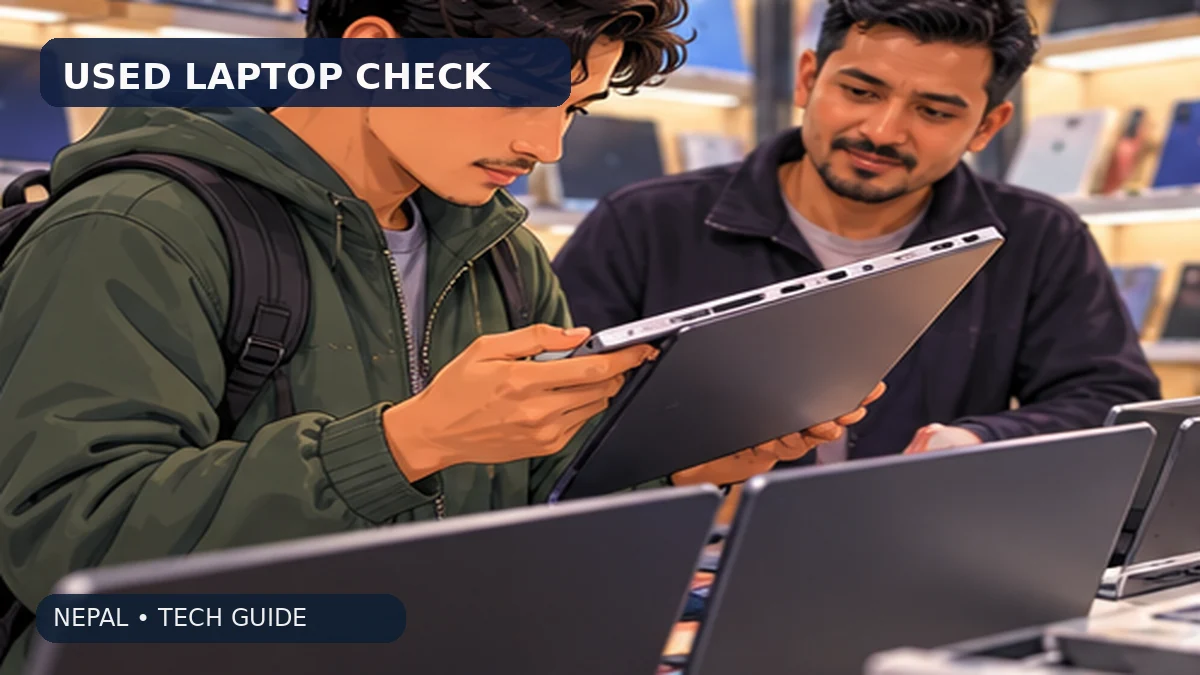 Buying a Used Laptop in Nepal: 11 Checks Before PayingA complete used-laptop inspection for Nepali students and workers: battery wear, SSD health, Windows activation, ports, BIOS locks and written seller warranty.
 How to Choose a Student Laptop in NepalPlain-English checklist for choosing a student laptop: RAM, storage, battery, warranty and the software your course requires.