
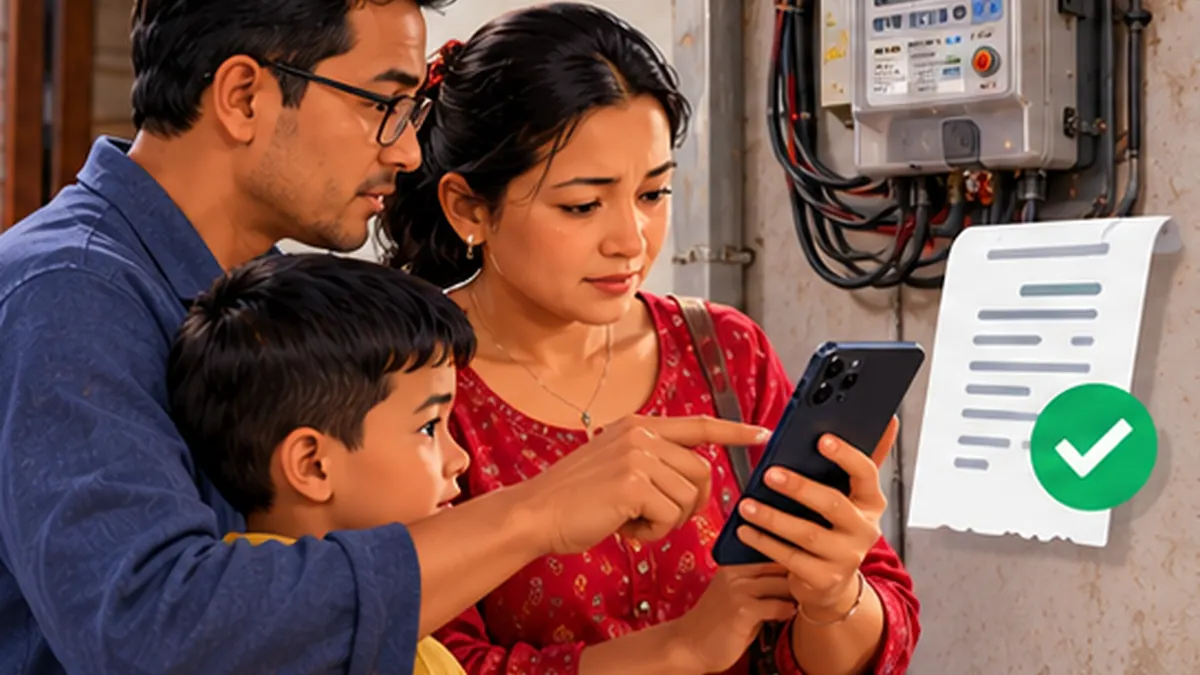
Step-by-step instructions
Find the real bill and consumer identifiers
Take the latest paper or official electronic bill. Note the distribution centre and the customer or consumer details used by the chosen payment channel. Similar-looking digits are easy to mistype; confirm the number from an older paid bill rather than using an unknown message claiming your power will be cut.
Begin at the NEA website or your trusted payment app
Open nea.org.np yourself and use its Bill Check or Bill Payment navigation where available. NEA also lists online payment partners. If you pay using a wallet or mobile-banking app, open that app independently and choose its electricity/NEA bill option.
Select the correct distribution centre
Many bill-pay screens ask for a distribution centre before the consumer number. A correct number in the wrong centre may return no result or another record. Do not proceed unless the returned name, address or consumer details match your household.
Verify bill month, amount and any arrears
Review the displayed billing period, balance and due amount. If the portal shows old debt despite a recent payment, inspect your receipts and allow for posted settlement times before paying again. Do not rely solely on an SMS total from an unfamiliar sender.
Pay once and wait for the final transaction status
Use a secure connection, verify the merchant name and amount, and confirm only through the genuine app. If the screen freezes, do not automatically resubmit. Check transaction history for success or pending status and avoid giving OTP or wallet PIN to any “bill verification” caller.
Save the receipt and transaction reference
Download or screenshot the final confirmation showing consumer identification, amount, date and transaction reference. Keep it privately for future disputes. Receipts can matter when tenants split payments or the bill is updated late at the distribution centre.
Cross-check with NEA if the bill still appears unpaid
Use the official NEA contact or local distribution centre with your proof. If the wallet debited you but payment was not received, open a ticket with the payment provider too. Ask both parties to reference the same transaction and bill period; do not pay twice merely to close a portal screen.
Use online portals within their actual coverage
NEA’s RMS Consumer Web Portal described on the official site is restricted to Balaju-area consumers at the time of review. Households outside that area should use the general bill links, their local distribution centre or supported payment partners instead of expecting every pilot feature to work.
Mistakes to avoid
- Entering the wrong NEA distribution centre or customer ID.
- Making the same payment twice after a slow confirmation page.
- Assuming a location-limited pilot consumer portal works nationwide.
Frequently asked questions
Can all Nepal electricity customers use the RMS consumer portal?
Not necessarily. NEA’s published RMS notice currently describes Balaju distribution-centre coverage.
Which online apps can pay NEA?
NEA lists approved online payment options on its current official payment page; availability can change.
What if I paid but still see dues?
Preserve the transaction ID and contact the payment provider and NEA distribution centre before paying again.
Official sources and further reading
Operator rules, application screens and government procedures can change. Check the latest official instructions before sharing personal details or paying a fee.
 QR Payment Failed but Money Deducted in Nepal: What Now?What to do if a QR wallet or mobile-banking payment shows pending, failed or money debited in Nepal. Check before paying twice.