
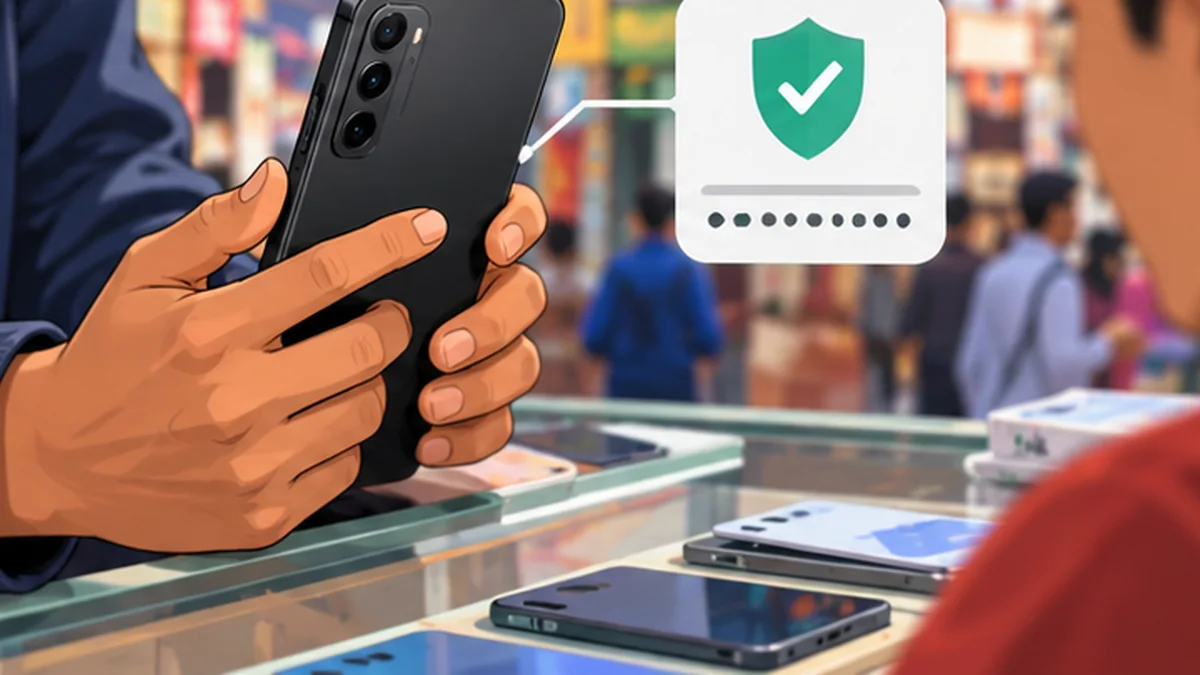
Step-by-step instructions
Confirm seller identity and ownership
Ask for the original bill or a credible ownership trail. Be cautious when the seller refuses to provide a receipt for the resale.
Compare IMEI numbers
Find the IMEI in phone settings or via *#06# and compare it with the box and invoice. Dual-SIM devices can have more than one IMEI.
Use the official NTA MDMS checker
Visit mdms.nta.gov.np directly. Registration status is one check and does not prove lawful ownership by itself.
Remove activation locks with the owner present
On iPhone, the seller must remove their Apple account and Find My association. On Android, ensure the previous Google account will not trigger factory reset protection.
Test with your Nepal SIM
Call, text, use mobile data and check both SIM slots if applicable. Do not assume Wi-Fi alone proves the phone works on local networks.
Inspect the screen and cameras
Check touch accuracy, dead pixels, focus, camera lenses, speaker, microphone, fingerprint and face unlock.
Check charging and battery condition
Inspect the charge port and overheating under basic tasks. Compare battery-health readings where the device supports them; do not treat a single software number as proof.
Check physical condition
Inspect for bends, swelling, water damage indicators if visible, and mismatched screws or replaced components.
Confirm software update support
An older phone may no longer receive security patches. Check the manufacturer’s official support policy for the exact model.
Reset only after verifying the seller
Ensure the device activates under the new owner without the previous owner’s password. Never ask the seller to disclose account credentials to you.
Agree a fair price for defects
Account for storage, damage and expected repair costs. Compare the same exact variant with current local listings.
Pay traceably and keep the receipt
Record model, IMEI where appropriate, date, price and seller acknowledgement without unnecessarily sharing those details online.
Mistakes to avoid
- Accepting a screenshot of an IMEI result without checking the handset itself.
- Buying an account-locked phone based on promises it can be unlocked later.
- Publishing the seller’s identity documents or device identifiers on social media.
Frequently asked questions
Does MDMS registration prove the phone is not stolen?
No. It is a network device registration check, not a comprehensive ownership or theft guarantee.
What if the seller will not reset the phone?
Do not buy until activation and ownership are resolved.
Can I check an IMEI through NepalAnswers?
Use the official NTA service; do not send an IMEI to an unverified third party.
Evidence and further reading
Retail offers, operator terms, device models and application steps can change. Check original sources for updates. NepalAnswers does not certify a seller, warranty, financial service or network quality through these guides.
 Buying a Mobile Phone in Nepal: Budget, Warranty and MDMSA practical Nepal phone buyer checklist: compare prices by exact variant, confirm warranty, IMEI registration, VAT bill and returns before paying.
 Check Phone IMEI and MDMS Registration in Nepal Before BuyingHow to check a phone’s IMEI and MDMS status using Nepal Telecommunications Authority’s official portal before purchasing a mobile.
 How to Speed Up a Slow Android Phone SafelySimple fixes for a slow Android phone: restart, updates, storage, apps and backups before a reset.